
1. Who does what
| Your accountant | Officium (us) |
|---|---|
| Your contract, fees and invoices for payroll. Which services you have. Any questions about your business, tax or accounts. | Running your payroll from the information you send: pay, tax, National Insurance, pensions, payslips, reports and the submissions to HMRC. Agreeing each payroll with you before we finalise it. |
At the top of your account you’ll see that your payroll is arranged through your accountant, with the contact to use for anything about your services, contract or fees.
2. Signing in
- Go to clients.officiumbusinessservices.co.uk/account.
- Type the email address we hold for your business and press Email me a code.
- Type the code from the email. You stay signed in for 12 hours. There’s no password to remember.
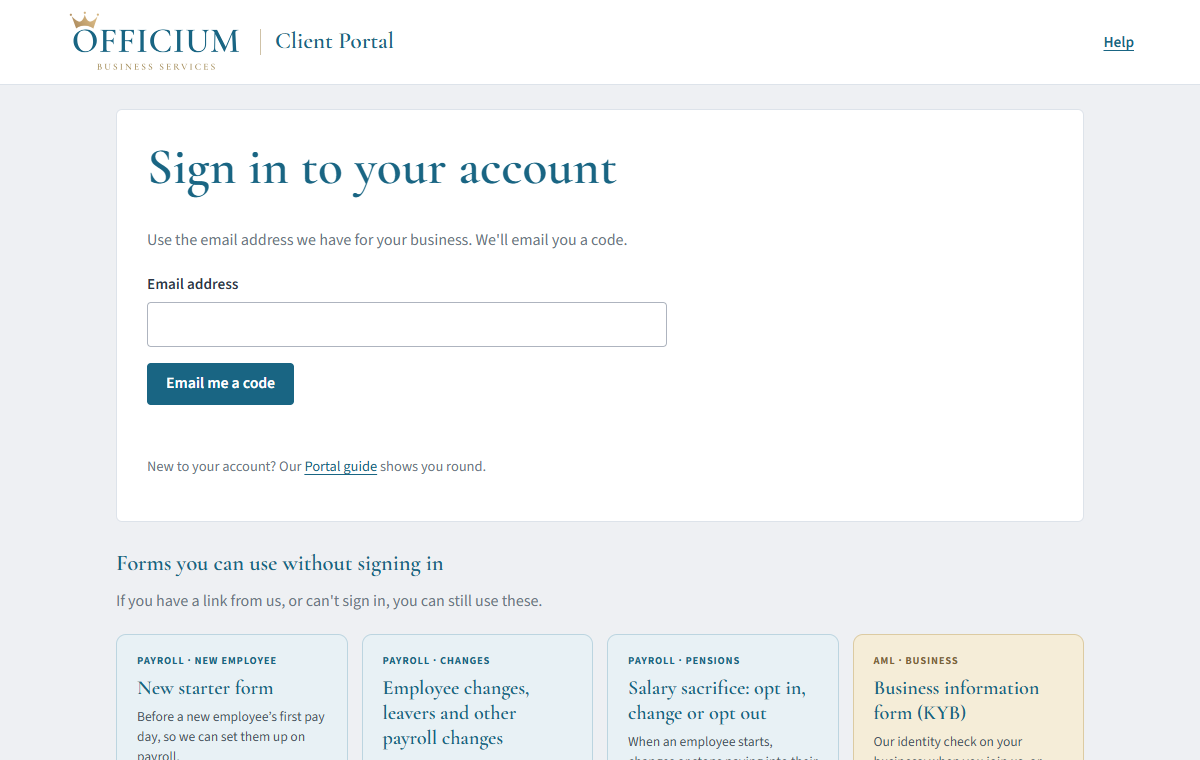
If it says the address isn’t recognised, or you’d like someone else (an office or HR manager, say) to have their own sign-in, ask your accountant or email us and we’ll add them.
3. Each pay run: send us your information
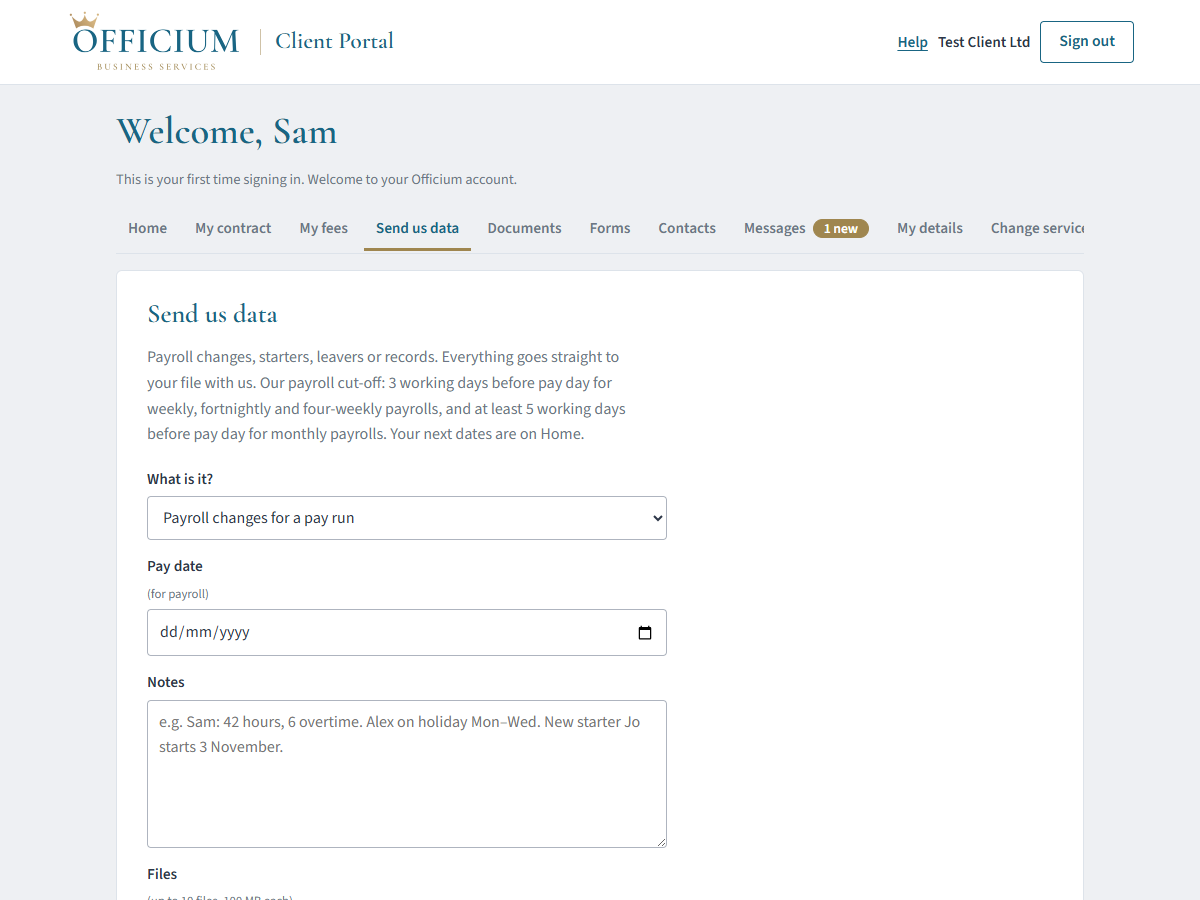
Open Send us data and upload your hours, timesheets, overtime, bonuses, commission, sickness and holiday for the pay period. Spreadsheets, PDFs and photos are all fine, up to 100 MB a file.
4. New starters
- Open Forms and choose New starter.
- Type the new starter’s name and personal email address and press Send them the form. They get a private link from us (no account or password) and fill in their own personal, tax and bank details.
- We email you when they’ve finished. Add their job, start date and pay, check it and press Send.
You can also fill the form in yourself if they’re with you. Please send it at least a week before their first pay day. The New starters guide goes through it step by step. (The part of that guide about giving your team their own sign-ins is done by us for you: just ask.)
5. Changes, leavers and salary sacrifice
- Employee change (Forms): a pay rise, new hours, a change of address or name, or someone leaving. For a leaver, give their last working day and anything still to pay, such as holiday.
- Salary sacrifice (Forms): to start, change or stop an employee’s pension salary sacrifice. You sign for the business and the employee signs online - we email them the link, or you take the link and pass it on yourself; we check it keeps them above the National Minimum Wage.
Bank details are never kept in your account or sent by email. A change of an employee’s bank details is checked by phone on a number we already hold.
6. Payslips, reports and documents
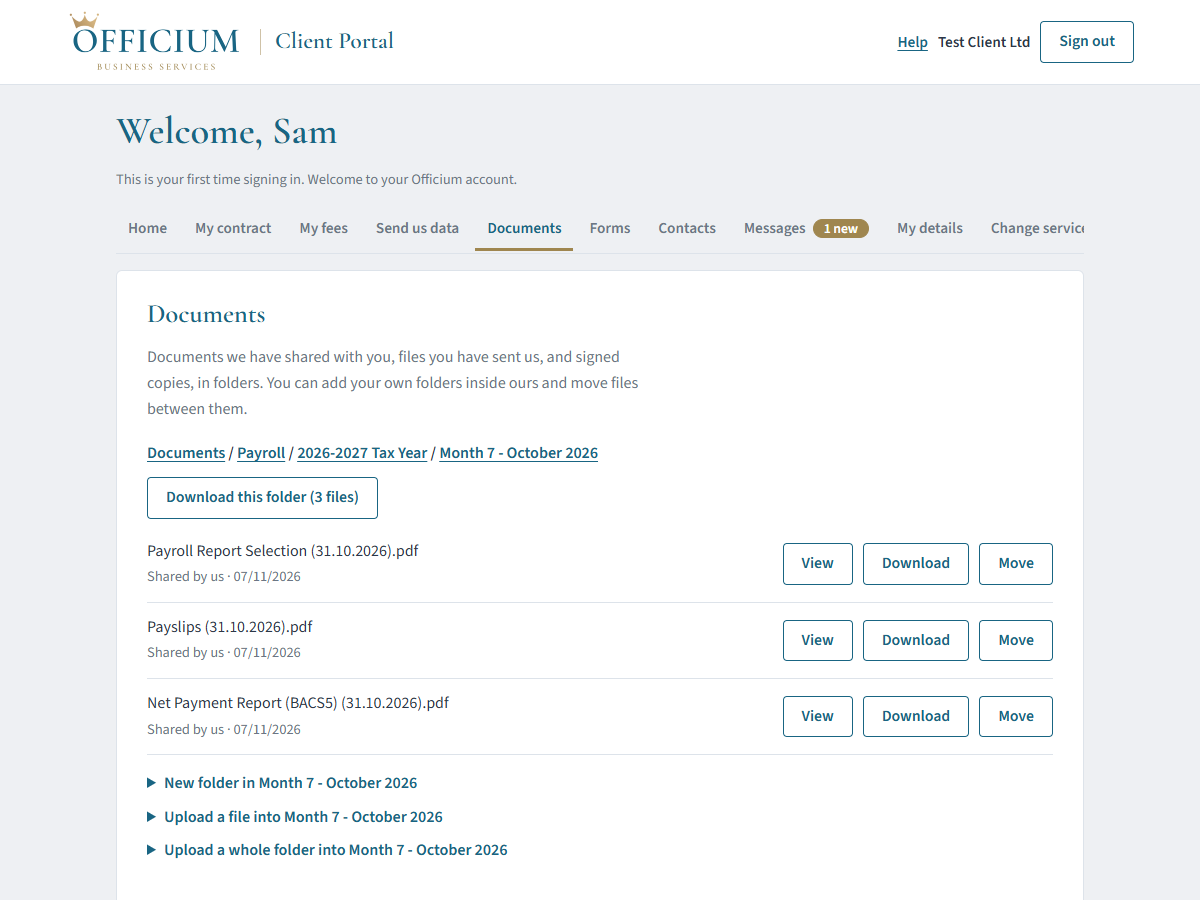
We put your payslips, payroll reports and what you owe HMRC in Documents, usually under Payroll, in a folder for each tax year and month. We email you when something new is there. Press View to open a file or Download to save it; Download this folder saves a whole month at once.
If we send you something to sign, it’s in Home under Things to do.
7. Messages
Use Messages for payroll questions. You can tick Also send to your accountant to copy them in, and your accountant may ask us to copy them into everything. Everyone can see who wrote each message.
For anything about your contract, fees or services, please contact your accountant.
8. Common questions
- Why can’t I see my contract or fees?
- Because your contract for payroll is with your accountant, not with us. They invoice you and can answer any question about it.
- Is my data safe?
- Your account is encrypted in transit and at rest, and only you, the people you’ve asked us to add, your accountant (for messages you copy them into) and our payroll team can see it. Our Client Privacy Notice explains more.
- The code email hasn’t arrived.
- Check your junk folder and wait a minute, then try again. Codes come from Officium Business Services.
Getting help
Send us a message in your account, call 01942 644864 or email payroll@officiumbusinessservices.co.uk.